

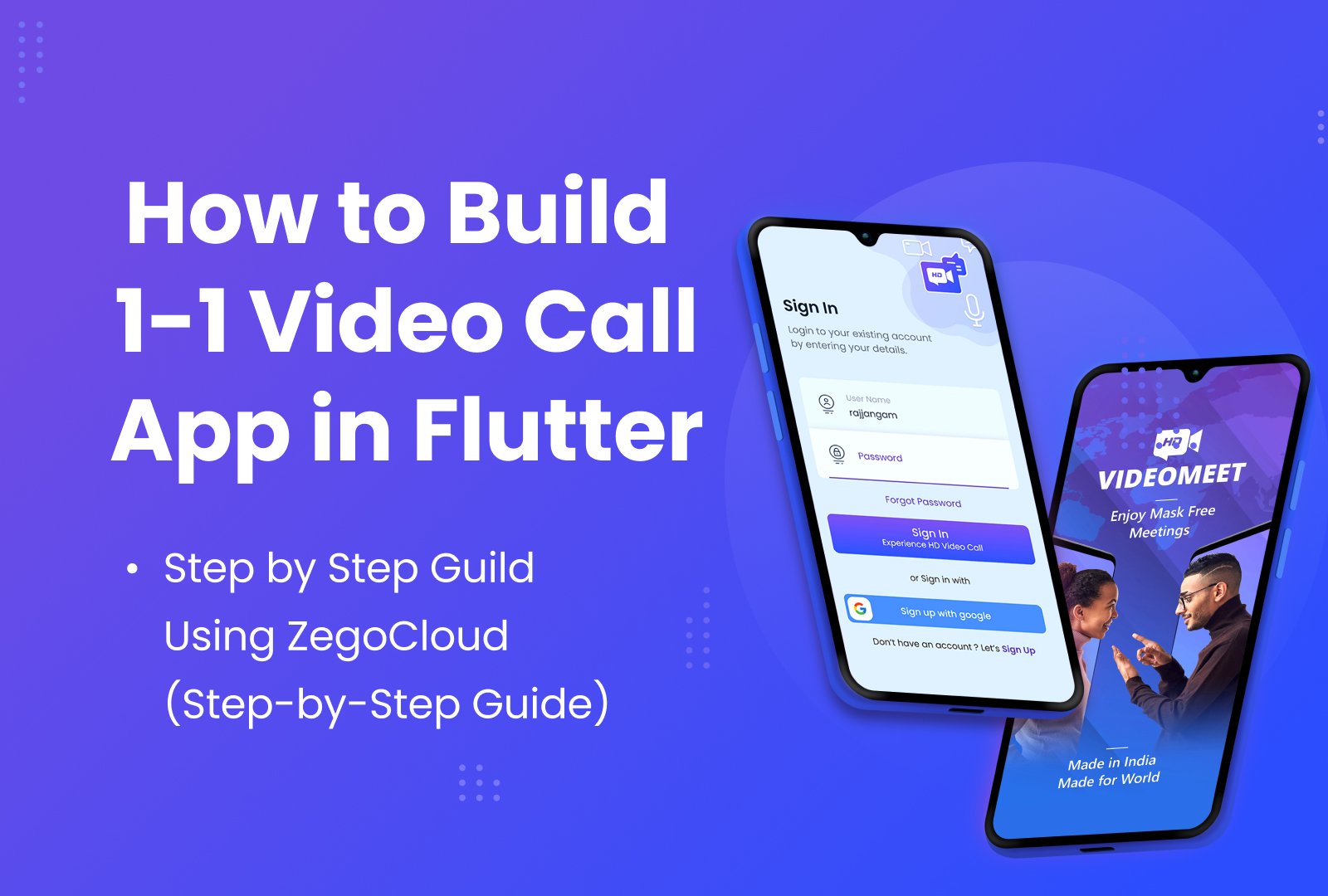
Real-time communication features—like 1-to-1 audio/video calling—are becoming essential in modern apps. Whether you’re building a teleconsultation platform, tutoring app, expert consultation tool, or simply adding a calling feature to your existing product, implementing WebRTC from scratch is complex and time-consuming.
That’s where ZegoCloud comes in.
In this guide, we’ll break down how to build a complete 1-to-1 calling workflow in Flutter using ZegoCloud. From SDK setup to signaling, call invitations, permissions, and even popup call UI—this tutorial shows how ZegoCloud simplifies everything so you can focus on building your product.
Why ZegoCloud for Real-Time Communication?
Implementing WebRTC involves handling:
- Media routing
- Real-time signaling
- Device permission handling
- Caller/callee invitation flows
- Echo cancellation & audio routing
- Background call handling
- UI synchronization
ZegoCloud abstracts these layers so you only handle the business logic.
What ZegoCloud Simplifies for Developers
Here are the complex internal layers ZegoCloud handles for you:
✔ WebRTC Media Routing
No need to manage peer-to-peer connections, network traversal, or codecs manually.
✔ Real-Time Signaling
Handles call invitations, accept/decline events, and call state syncing efficiently.
✔ Device Permissions
Automatically manages access to camera, microphone, and device capabilities.
✔ Audio Routing & Echo Cancellation
Ensures crystal-clear voice with built-in DSP algorithms.
✔ Background Call Handling
Supports notifications and incoming call popups even when the app is minimized.
✔ Prebuilt Call UI (Optional)
You can use Zego’s ready UI or fully customize your call screen.
What You’ll Build
By the end of this tutorial, you’ll have a working:
- 1-to-1 audio/video call setup
- Incoming call popup
- Outgoing call screen
- Real-time mic/camera toggles
- Stable signaling workflow
This setup is clean, scalable, and developer-friendly.
Step 1 — Install the ZegoCloud Flutter SDK
Add the dependency:
dependencies:
  zego_uikit_prebuilt_call: ^x.x.x
Import it into your Dart file:
import 'package:zego_uikit_prebuilt_call/zego_uikit_prebuilt_call.dart';Step 2 — Initialize the SDK
ZegoUIKitPrebuiltCallInvitationService().init(
  appID: yourAppID,
  appSign: yourAppSign,
  userID: userId,
  userName: userName,
);
Step 3 — Add the Call Button
ZegoSendCallButton(
  isVideoCall: true,
  invitees: [
    ZegoUIKitUser(id: "targetUserId", name: "Target User")
  ],
);
Step 4 — Display Incoming Call Popup
Place this inside your MaterialApp:
home: ZegoUIKitPrebuiltCallInvitationPage(),Zego handles:
- Incoming call screen
- Accept/Decline actions
- Background notifications
Step 5 — Add the 1-to-1 Call Page
ZegoUIKitPrebuiltCall(
  appID: yourAppID,
  appSign: yourAppSign,
  callID: "uniqueCallID",
  userID: myID,
  userName: myName,
  config: ZegoUIKitPrebuiltCallConfig.oneOnOneVideoCall(),
);
Final Result
You now have a fully functional 1-to-1 audio/video calling app in Flutter—with signaling, device permissions, popups, routing, echo cancellation, and real-time communication built in.
No need to write low-level WebRTC logic.
No need to build call flows from scratch.
No need to debug complex networking issues.
ZegoCloud saves days of effort and lets you ship faster.




Ma’am, for a Flutter application, which one is easier to implement and manage — Agora or ZegoCloud? I would really appreciate your guidance on which platform offers a smoother integration experience for Flutter developers.
For Flutter, ZegoCloud is generally easier to implement and manage. It offers smoother integration and simpler setup compared to Agora. However, the best choice depends on your specific use case.