
In today’s mobile world, users don’t just expect an app to work — they expect it to feel alive. Subtle motion, depth, and interaction play a huge role in how users emotionally connect with an interface.
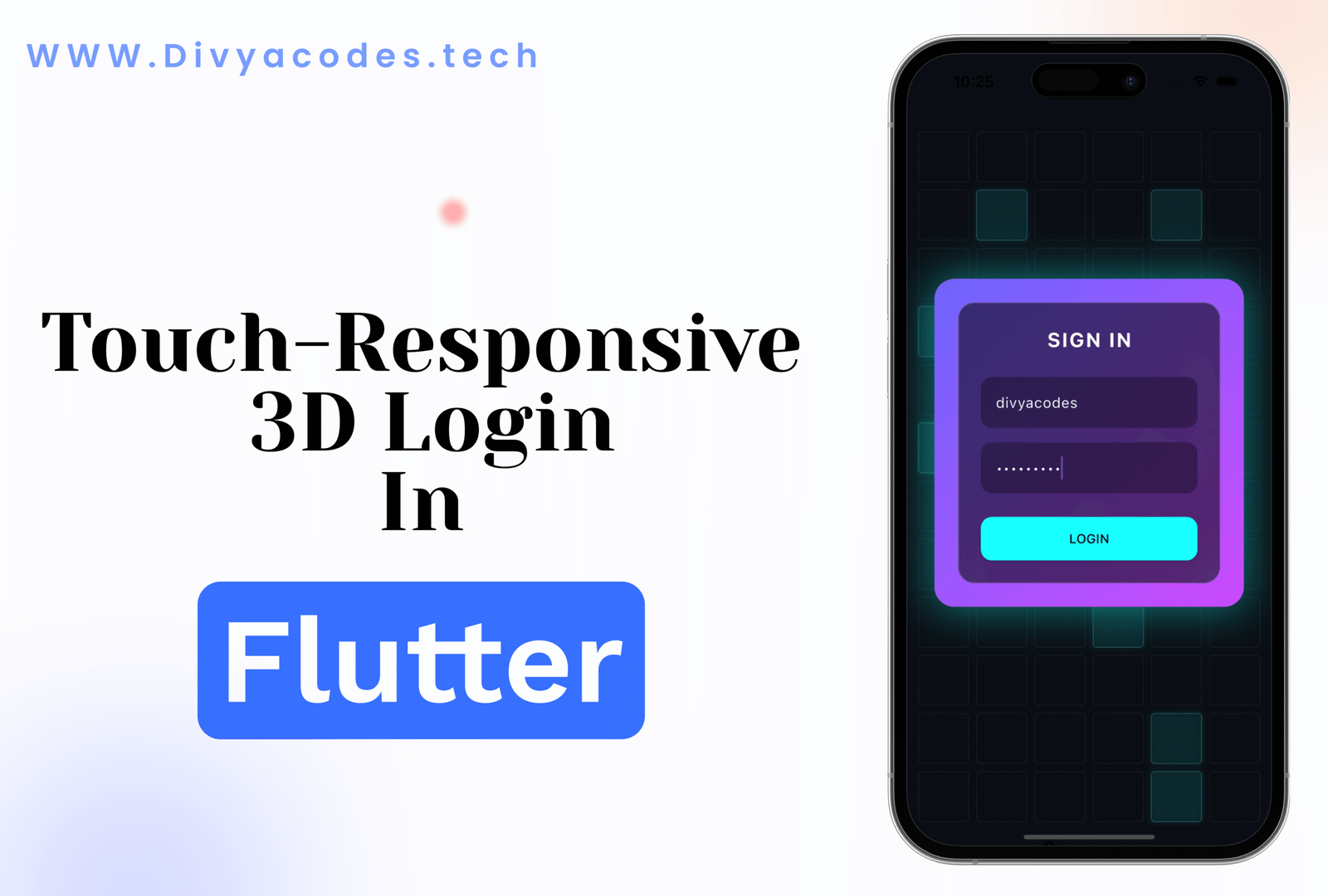
This Example explores the idea behind building a touch-responsive 3D login screen combined with a dynamic animated background, focusing purely on design thinking, animation principles, and user experience.
Why 3D Interaction Matters in Modern UI
Flat designs are clean, but interactive depth creates engagement.
When a UI responds to touch with slight tilts, floating motion, or perspective shifts, it:
- Feels more natural and immersive
- Improves perceived performance
- Keeps users visually engaged
- Adds a premium look without clutter
A login screen is often the first impression of an app. Adding controlled 3D motion makes that moment memorable.
Touch-Driven Motion: Making UI Feel Alive
Touch interaction isn’t just about taps. Gestures like swipes and drags can subtly influence:
- Rotation
- Perspective
- Depth
- Position
When motion reacts smoothly to user input, the interface feels responsive and intentional, not animated for the sake of animation.
The key is restraint — small movements feel elegant, while exaggerated ones feel distracting.
Floating Animations & Visual Depth
Micro-animations like slow floating or breathing effects add:
- Calmness
- Continuity
- A sense of dimensional space
These animations should loop seamlessly and never pull focus away from the main action — in this case, signing in.
Animated Backgrounds Without Distraction
A background doesn’t need to be static to stay professional.
A grid-based animated background can:
- Add rhythm to the screen
- Create a futuristic or tech-focused vibe
- Enhance depth without overwhelming content
Randomized, subtle highlights keep the background dynamic while maintaining balance.
UI Design Principles Applied
This approach follows key UI/UX principles:
- Hierarchy: Login card remains the visual focus
- Contrast: Clear separation between background and content
- Motion consistency: All animations follow the same visual language
- Performance awareness: Smooth animations without heavy effects
Good animation supports usability — it never competes with it.
Why Flutter Is Ideal for Advanced UI Motion
Flutter allows developers to:
- Build complex animations with high performance
- Maintain consistent visuals across platforms
- Experiment freely with motion and interaction
For developers who care about UI quality, Flutter opens the door to creativity without sacrificing stability.
Source Code:
The complete source code for this project is available at the link below:
👉 Source Code Repository:https://github.com/divyabarvaliya/touch3DLogin